2 min read
Wedding photos: how to get the best ones and collect your guests’ pictures

By the MarryPrep team · Published by Vladyslav Besh
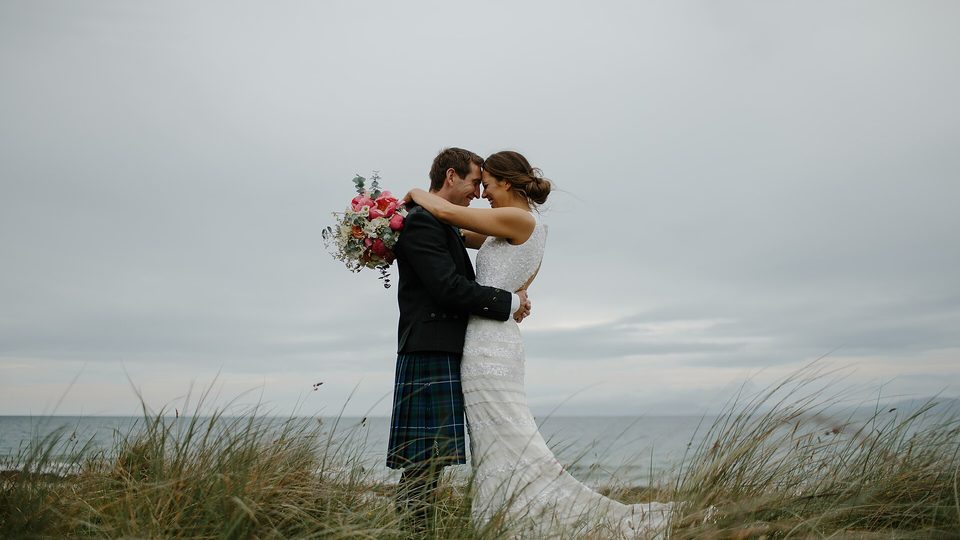
Most couples remember the day through two sets of pictures: the ones a photographer took on purpose, and the ones guests took by chance. Planning both takes an hour and makes a lasting difference.
Plan the photographer’s day
- Write a short shot list of the groups and moments that matter to you: family groups, grandparents, the rings, the first look.
- Give the photographer the schedule of the day and any lighting or flash limits at the venue.
- Name one relative who knows everyone, to gather groups quickly.
- Agree when you will get a first selection and when the full gallery arrives.
- Ask who owns the files, how long the photographer stores them and how you may print them.
Group photos without chaos
Keep family groups to a list of five to eight, in an order that moves people in and out smoothly, from the largest group to the smallest. Do them straight after the ceremony, while everyone is still together, and tell guests in advance.
Collect your guests’ photos in one place
Guests photograph moments the photographer does not see: the dance floor, the tables, the children. Most of those pictures stay on phones and are never shared. A shared album fixes that.
- Make one album for the whole wedding and open it before the day.
- Print a QR code and put it on the tables or on the invitation.
- Tell guests they can add photos from their phone, with no app to install.
- Decide whether you want to look at photos first or let them appear at once.
- After the wedding, close the album and download everything.
Privacy and good manners
- Tell guests beforehand if the ceremony should be phone-free, and say it kindly.
- Ask parents before sharing pictures of their children outside the album.
- Close the album once you have the pictures, so the link does not stay open for ever.
MarryPrep’s guest album works this way: guests scan a QR code and add photos without an app or an account, you can approve photos before others see them, close the album whenever you wish and download everything as a ZIP file. Photos can be JPG, PNG or WebP.